one keystroke
It's already open
While Napkin is running, ⌃⌥N brings a blank napkin forward from any app. You can start drawing before the thought gets away.
 Napkin
Free for Mac
Press ⌃⌥N from anywhere and a fresh paper napkin lands on your desktop. Draw the idea, press ⌘C, and paste it into the chat. No account, no files, no setup.
Some ideas need a whiteboard, a project, and a team. Most just need a pen and something to draw on while you explain. Napkin handles that part and stays out of the way the rest of the time.
one keystroke
While Napkin is running, ⌃⌥N brings a blank napkin forward from any app. You can start drawing before the thought gets away.
no paperwork
There are no documents, libraries, boards or settings screens. Copy the drawing, paste it where the conversation is, and start a new napkin.
stays put
No sign-in, no analytics, no network connection. The App Store privacy label reads Data Not Collected, and that is the whole story.
Big canvas apps are great at big projects. For a quick drawing, most of what they offer gets in the way.
| Typical whiteboard apps | Napkin | |
|---|---|---|
| Before your first line | Often an account, then a new board or file | One shortcut, and you're drawing |
| Where the drawing ends up | Usually in a cloud workspace to manage | On your clipboard as a crisp PNG |
| What it costs | Frequently a subscription for the good parts | Free, with no ads or in-app purchases |
| What it knows about you | Depends on the service and its privacy policy | Nothing. Data Not Collected. |
| How it feels | A blank rectangle on a grid | A real napkin, with folds and wrinkles that bend your ink |
General comparison with common whiteboard and canvas apps. Features vary by app and plan.
Ten tools, seven inks, and a paper surface that looks like it was dropped on your desk. Every tool has a keyboard shortcut.
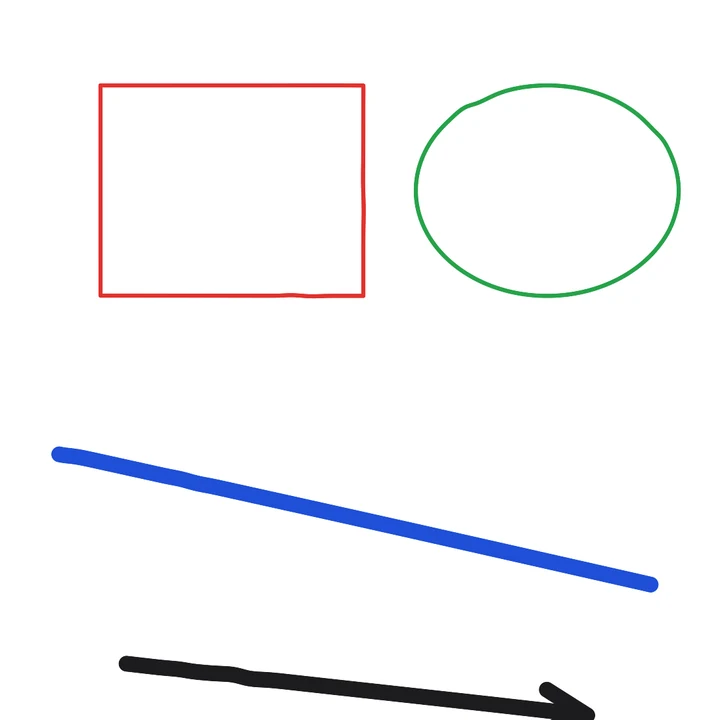
Four pen weights, from fine to marker, and seven inks that read well on white paper, plus any custom color. Strokes are smoothed as you draw so your lines look intentional.
Lines, arrows, double arrows, squares, ovals and triangles, outlined or filled. Hold ⇧ for perfect squares, circles and 45° angles.
Type in pen lettering. Drag out a box to wrap it, turn it to any angle, or click a line you drew and the words ride along its curve.
It removes ink without touching the paper, and it cuts clean holes in transparent exports.
Grab any line, shape or word and drag it somewhere else. Double-click text to change it later. Text stuck to a line moves with it.
Exports are rendered at 2×, cropped to the drawing, on white or transparent. What you see is exactly what you paste.
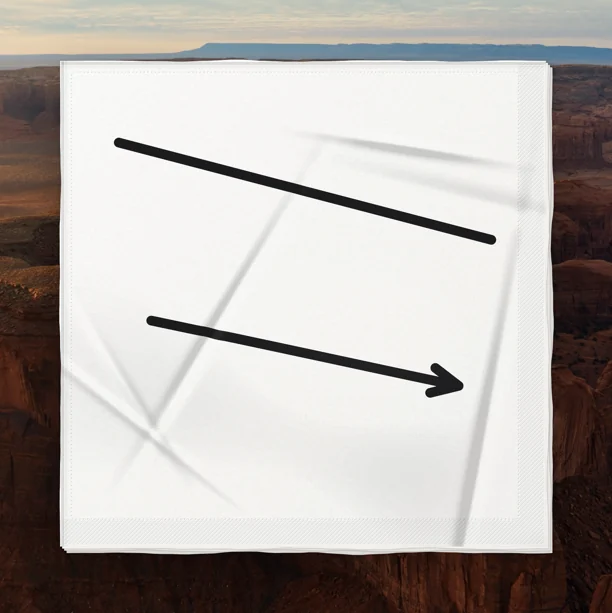
Four soft plies, rolled folds, a quilted edge and gentle wrinkles that bend your ink as it crosses them.
Your last napkin is saved automatically. File ▸ Reopen Last Napkin brings it back, and even New Napkin can be undone.
Glass palettes float beside the napkin and fade out when your pointer leaves, so only the paper is left on your desktop.
The napkin sits on your desktop like the real thing. When you copy it, you get just the drawing, ready to drop into Messages, Slack, Mail or a doc.
Everything lives in the menu bar, and the everyday actions have shortcuts. Tool keys step aside while you type text.
Napkin has no account, no analytics and no network code. Your drawings and preferences stay on your Mac.
Yes. There's no price, no subscription, no ads and no in-app purchases.
Any Mac running macOS 26 or later.
Nowhere, unless you copy or save them. Napkin keeps your most recent napkin on your Mac so you can reopen it, and remembers your ink, pen weight and background choice. Nothing is uploaded.
It works whenever Napkin is running, from any app. Closing the napkin window quits Napkin, so keep it running (minimized is fine) if you want the shortcut ready.
Napkin is one sheet at a time, on purpose. Save anything you want to keep as a PNG with ⌘S, then start fresh with ⌘N.
The napkin has real wrinkles, and ink follows them by a point or two, the way a pen does on actual paper. Exports keep that look, cropped to the flat drawing area inside the border.
Napkin is on its way to the Mac App Store. It will be free, with no ads, no subscription and nothing to sign up for.